
AI Paid Media reads directly from your ad platforms. Nothing in the module works until at least one account is connected, so this is the first thing to do — and the step most often held up by something outside the product.
Why you'd use it
Connecting once replaces the weekly export-and-reconcile cycle. Every dashboard, report, alert and recommendation downstream reads from these connections.
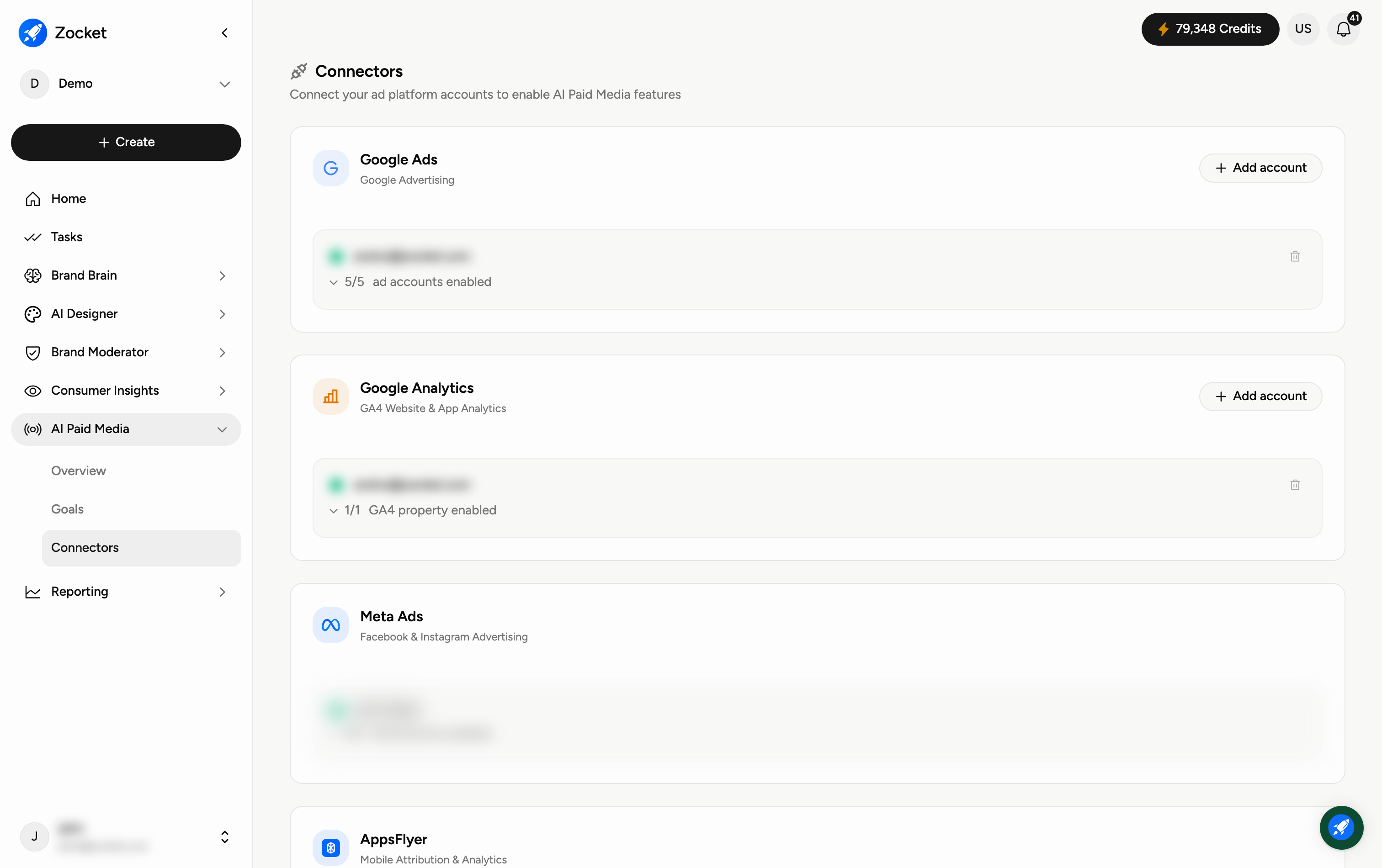
What you can connect
Google Ads
Google Analytics
Meta Ads
AppsFlyer
CleverTap
Find them under AI Paid Media → Connectors.
Before you start: the access you need
Connect with an account that already has access to the ad accounts you want to read. Zocket can only see what that user can see — so connecting with a personal or limited login will bring in a partial picture, and it will look like missing data rather than missing permission.
Two things worth sorting out before you sit down to do it:
If an agency runs your campaigns, you need your own access to those ad accounts, not the agency's dashboard.
Many companies require internal sign-off before a third-party tool is granted access. That approval is usually the long pole, not the connection itself.
Reading the account counts
Once connected, each platform card shows how many ad accounts are enabled out of how many are available — for example 5/5 or 2/24. The card also names the person the connection was made as.
If a figure looks low, check this count first. A connection showing 2 of 24 accounts enabled is reporting on two accounts, and that is almost always the explanation for a spend number that does not match what you expect.
Good to know
Disconnecting a platform stops new data; it does not delete dashboards already built.
Connect Google Analytics as well as Google Ads if you want the funnel to run past the click into site behaviour.