
AI Designer is your creative studio — it produces studio-quality ad creatives powered by your Brand DNA. The Create hub (open it from AI Designer → Create) is where every new creative starts. There are three ways in.
Why you'd use it
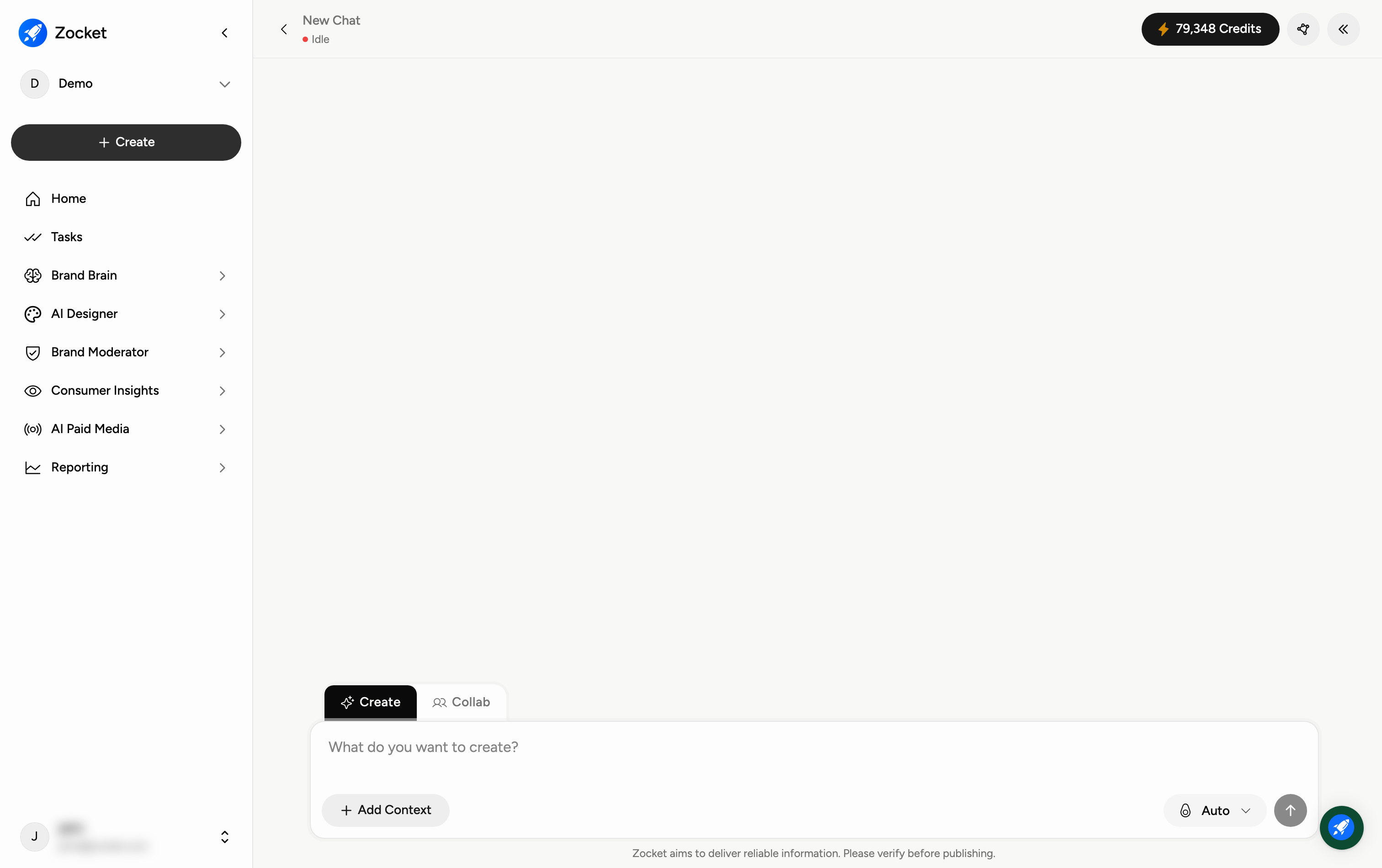
The starting point. You describe what you want in plain English ("Diwali campaign for our women's footwear line, festive but premium"), the system asks a few clarifying questions, and it generates creative concepts grounded in your brand DNA. The system picks the right model, format, and brand context. You don't have to think about prompts.
Step 1 — Describe what you want (the fastest way)
In the box at the top — "What would you like to create today?" — type what you need in plain English (for example, "a festive Instagram ad for our new running shoe"). Click Add Context to attach references, product details, or brand info so the result is on-brand, then press the send arrow.
Step 2 — Or pick a creation type
Prefer to start from a format? Choose one of the cards:
Image Ads — stunning static ads for products, brands, and services.
Video Ads — cinematic, explainer, and promo videos from a brief.
UGC Videos — AI influencer-style videos with authentic voiceovers.
Step 3 — Or use a featured tool
Under Featured Tools you'll find popular creative agents for specific jobs — Image Resizer, Image Rescaler, Variant Generator, and Product Photoshoot. Click View all tools to see the full set (the Apps library, covered in its own guide).
When to come here
Whenever you need a new creative concept. Faster than briefing an agency for a one-off, faster than reopening a design file for a variant.
Frequently Asked Questions
What's "Brand DNA"?
It's Zocket's understanding of your brand — your colours, tone, products, and style — which AI Designer applies automatically so creatives look like they're yours.
Should I type a prompt or pick a creation type?
Either works. Typing a prompt is fastest when you know what you want; the creation-type cards are handy when you want to start from a format (image, video, or UGC).
What does "Add Context" do?
It lets you attach extra input — product images, a URL, a brief, or brand details — so the AI has what it needs to get the creative right the first time.
What's the difference between Video Ads and UGC Videos?
Video Ads are polished, produced-style videos (cinematic, explainer, promo). UGC Videos mimic authentic influencer and user content, complete with voiceovers.
Where are all the other tools?
Click View all tools, or open AI Designer → Apps for the full library of specialised creative agents.
Do creatives cost credits?
Yes — generating images and especially videos spends credits. You can track your balance under Settings → Credits Usage.
Can I download just the concepts I selected?
Yes. Downloading takes the concepts you have selected rather than the whole canvas.
What download formats can I get?
Alongside the standard image formats you can download as Illustrator (.ai), and typeset documents can be downloaded print-ready.
How do I get an exact print size?
Print downloads honour the exact size for each format, so the output matches the size you asked for rather than approximating a page shape.