
Activity is your full audit trail — every concept, image, video, storyboard, blog, and PR with its activity trail. Use it to see what's been made, by whom, and how work is progressing. Open it from AI Designer → Activity.
Why you'd use it
The audit trail for creative production. Every concept, image, video, and storyboard with its full activity history, who did what, when, and how long approvals took. This is where a creative lead sees whether production is actually flowing or silently stuck.
Step 1 — Filter the activity
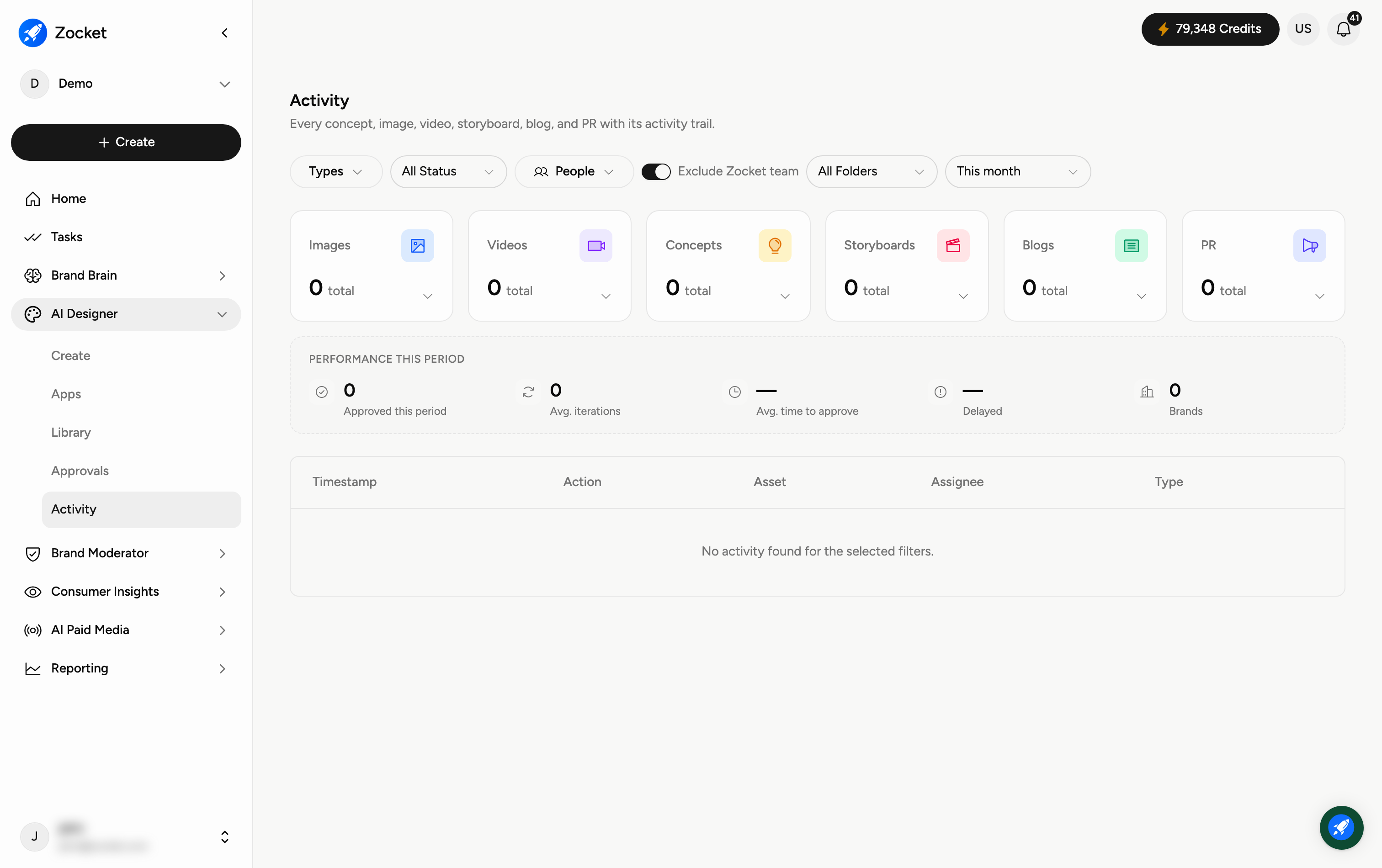
Use the controls along the top to narrow what you're looking at: Types (concept, image, video…), All Status, People, Brand, All Folders, and the time period (for example, This month). The rest of the page updates to match.
Step 2 — See output and performance at a glance
The cards show how much of each type has been produced — Images, Videos, Concepts, Storyboards, Blogs, and PR — each with a Breakdown link for detail. Below, Performance this period summarises how the work is flowing: how many were Approved, the average iterations and time to approve, anything Delayed, and how many Brands are involved.
Step 3 — Read the activity trail
At the bottom is the detailed log. Each entry shows the Timestamp, the Action that happened, the Asset it applied to, the Assignee, and the Type. It respects your filters, so if you see "No activity found", widen the filters (for example, change the time period).
When to come here
Weekly as a creative lead, to spot delayed assets and iteration-heavy briefs. During client QBRs, to report actual production throughput. When an approval seems stuck, to see exactly where it stopped.
Frequently Asked Questions
How is Activity different from the Library?
The Library stores the finished assets themselves; Activity is the history — who did what, when, and how it moved through review.
Why does it say "No activity found"?
Your filters exclude everything for that period. Change the time range (for example, from "This month") or clear the Type, Status, and People filters.
What does "Avg. time to approve" tell me?
How long, on average, creatives take to get signed off — a quick way to spot where reviews are slowing you down.
What's the "Breakdown" link on each card?
It opens a more detailed split of that type's activity, so you can dig into the numbers behind the headline count.
Can I see activity for just one person or brand?
Yes — use the People and Brand filters to focus the whole page on a single teammate or brand.